Hardware assumptions
An app that runs on your laptop still needs resource limits and a fit for the target device.

Connectivity / ALL360
Package your app for ALL OS and reach ALL1 owners through the App Store.
Building is only the beginning
A home-server app has to fit the hardware, arrive through a usable installation path and work alongside the owner's other apps. Those are distribution questions as much as coding questions.
An app that runs on your laptop still needs resource limits and a fit for the target device.
A long setup guide creates another hurdle between your code and someone using it.
Reaching home-server owners is a separate job from building the app itself.
Build for a shared environment
Package your application for ALL OS and its App Store workflow. The proprietary orchestration layer supports deployment to compatible devices rather than requiring you to design a separate box.
Start by registering for developer access. Access and publication are subject to onboarding and review; registration does not promise immediate credentials or automatic publication.
The developer path
Begin with access, then work through the developer console and publication process. SDK and testnet tooling are on the roadmap, not a live product promise.
Choose Developer in the prelaunch form and describe the app you want to build.
After onboarding, use the developer console for API keys and deployment access as these are made available to you.
Package your app for ALL OS, define its resource needs and validate it on supported ALL1 hardware.
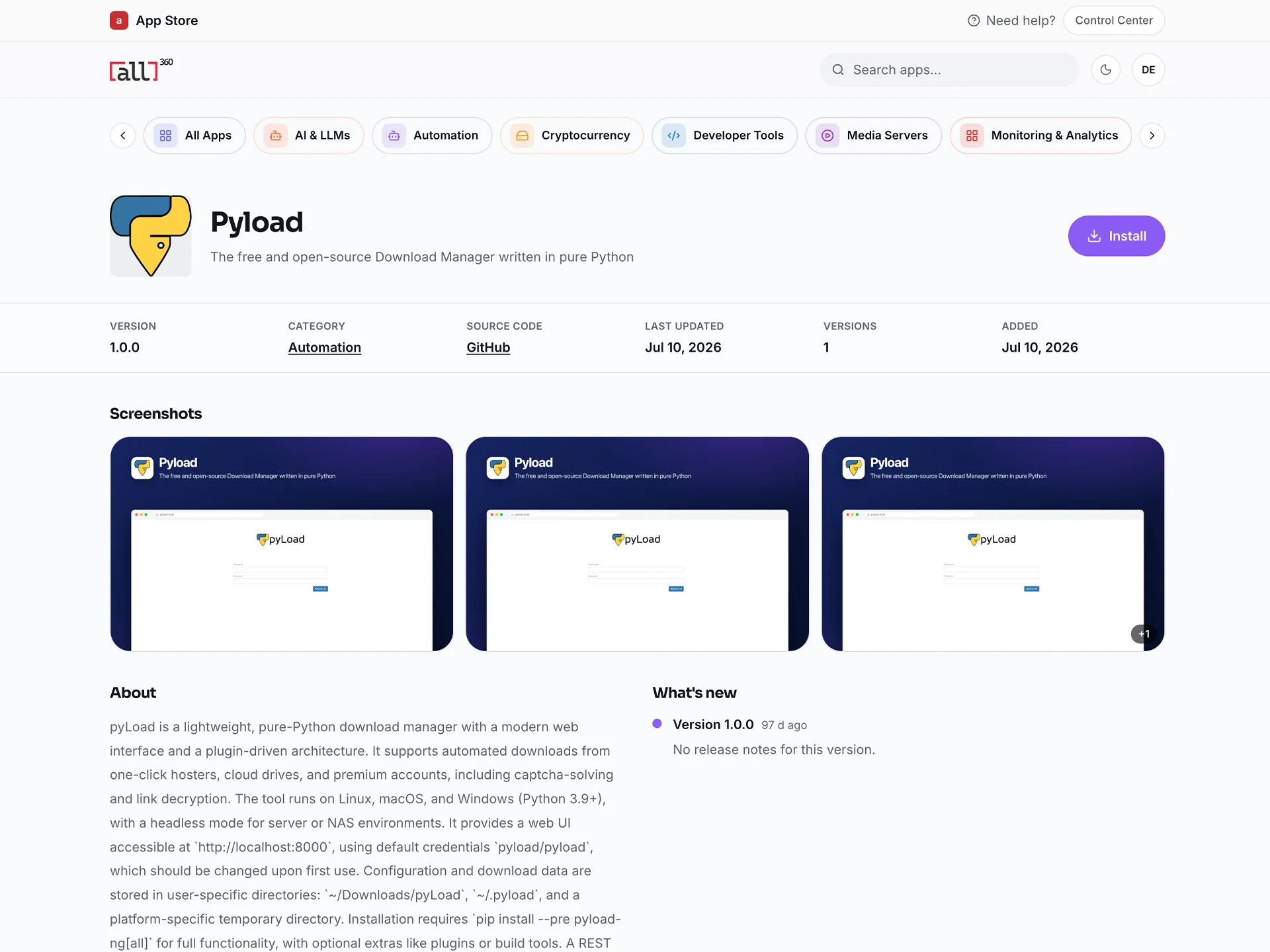
Submit your app for review and publication through the App Store process.
Inspect the platform
The existing developer page explains the containerised app and submission workflow. The ALL1 hardware specifications define the target, not an unlimited compute promise.
Read the existing developer workflow before registering for access.
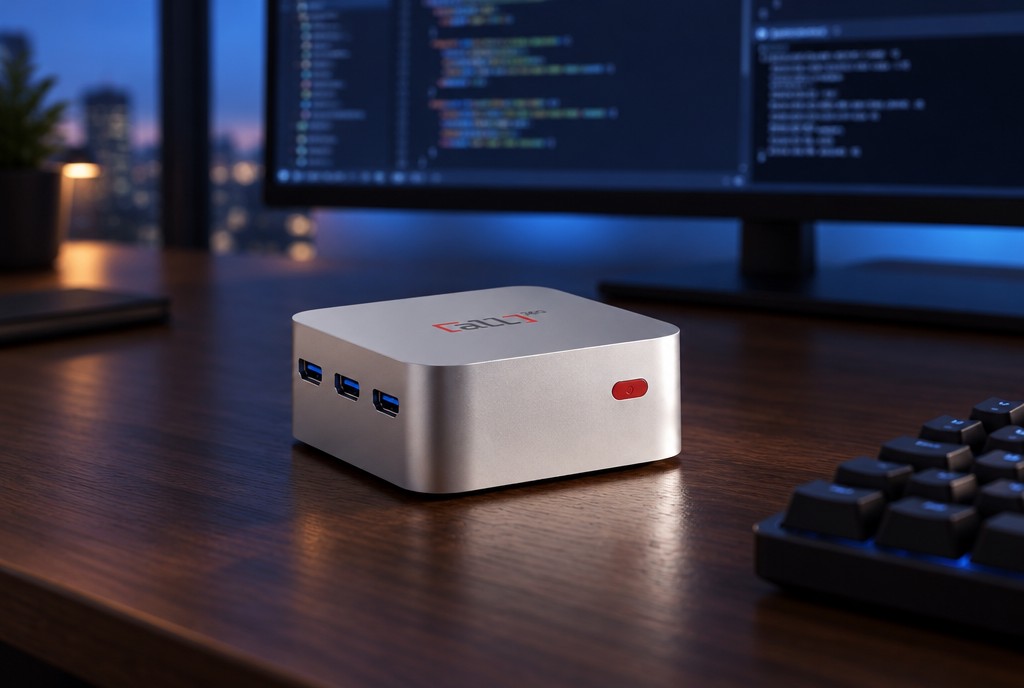
Developer detailsALL1 specifications list Intel N Family processors, 12 GB memory and a 256 GB NVMe SSD.
Start a conversation
Register to discuss developer access and your workload. If you need a physical target for your work, review the ALL1 device offer separately.
Before you decide
No. Registration captures your developer interest. Access, credentials and deployment capabilities are provided through onboarding as available; there is no immediate-access guarantee.
Bring-your-own-hardware support is on the roadmap, not available today. Register interest and tell us about your hardware; this is not a compatibility or launch-date promise.
SDK and testnet capabilities are on the roadmap. Register interest to discuss requirements and learn about availability; no release date is promised here.
No. Apps must be compatible with supported hardware and go through review. Publication is not guaranteed by registration.
Start with the app
Register for developer access and describe your workload. The team can then discuss the supported path and the hardware fit with you.
Explore what is available now, or register interest in what's on the roadmap.
Product and comparison information checked October 2026. App availability may change. Third-party names and trademarks belong to their respective owners; no affiliation or endorsement is implied.