Where do you start?
Separate project pages and installation guides make choosing the next app harder than it needs to be.

Apps / ALL360
Apps, storage, remote access and privacy, built to work together.
Beyond a collection of downloads
A home server is only useful when the apps on it are useful to you. Finding, installing and reaching them should not be a separate project for each category.
Separate project pages and installation guides make choosing the next app harder than it needs to be.
Different installation methods can turn a useful collection of apps into a maintenance checklist.
Remote access is another piece to configure if your apps are only reachable on your local network.
Choose your next use case
Browse the ALL OS App Store and pick the tools that fit your household. Start with one category and add more when you need them.
AI apps and agents can connect to the models you choose, keeping your documents and chat history at home. Lightweight models may suit simple tasks; powerful offline language-model inference is not a promise.

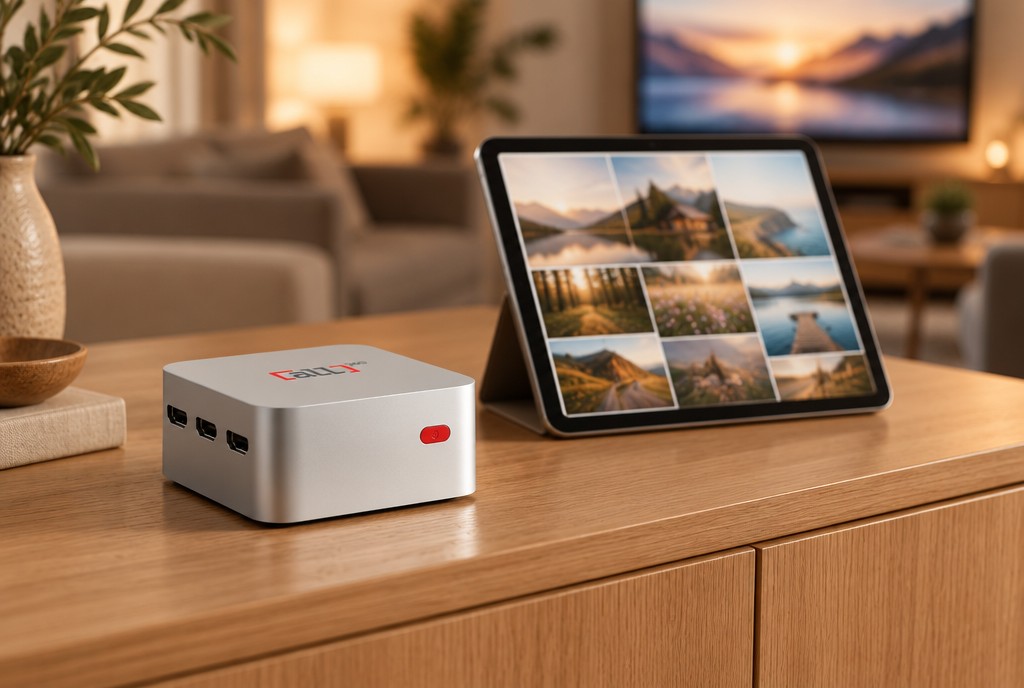

Edit, sign and store PDFs on your own server. Keep your files on storage you control, with an independent backup plan.
Read the comparison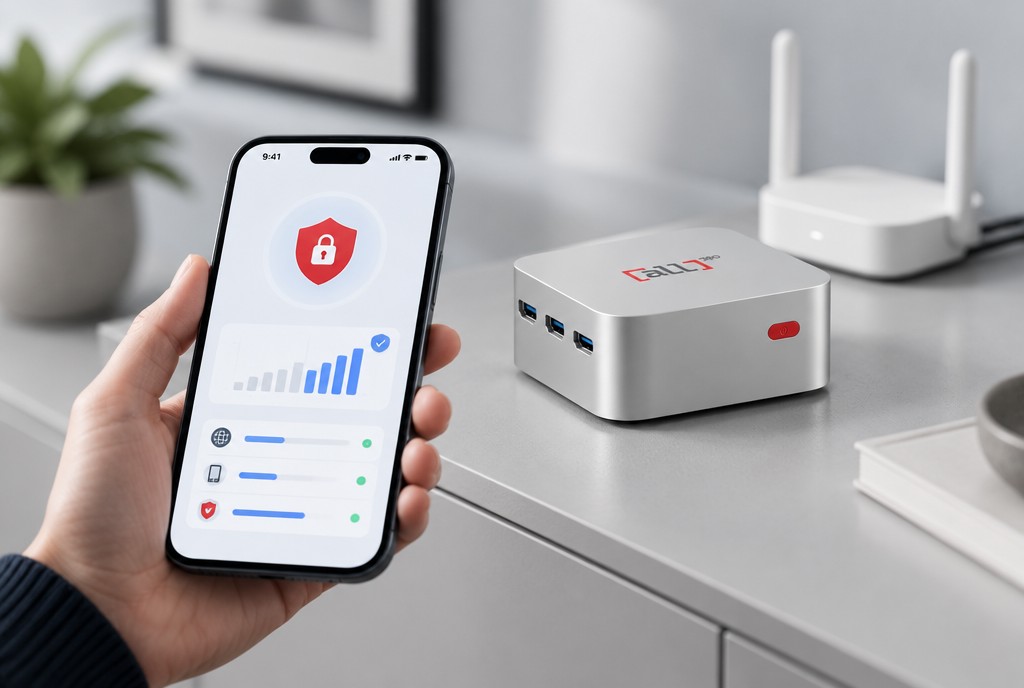
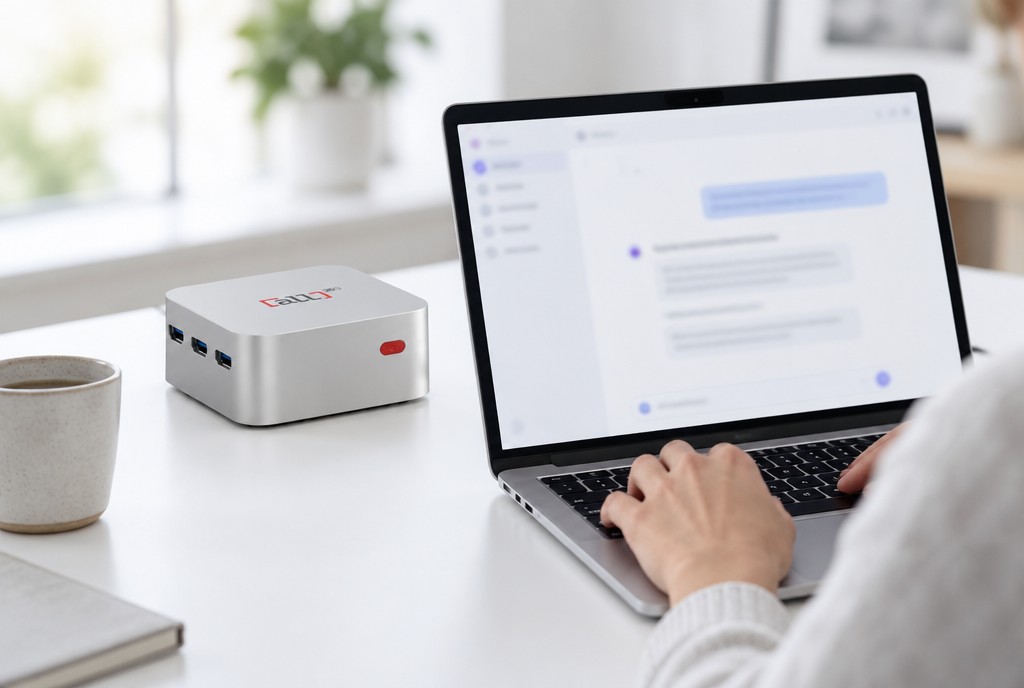
Host AI apps and agents; connect them to your chosen models rather than assuming powerful local inference.
Explore ALL OS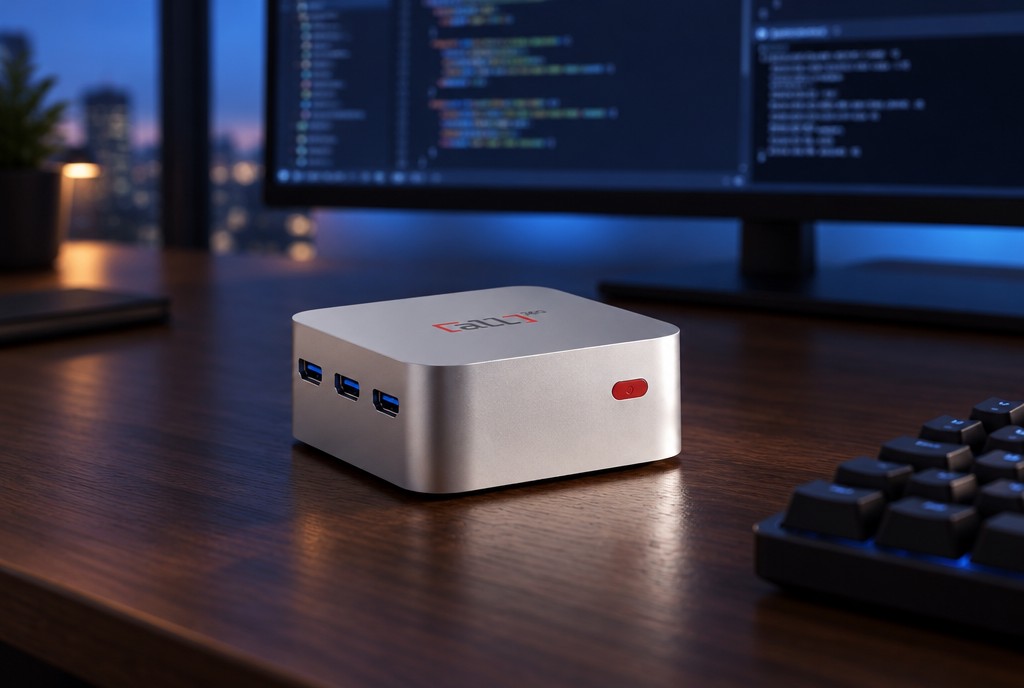
Find tools for automations and development, and learn about publishing your own app.
Developer detailsYour ALL OS App Store
Browse a curated catalog of self-hosted apps, from automation and AI to media, storage and developer tools. Pick one, and ALL OS sets it up in seconds. No terminal, no config files, no headaches.
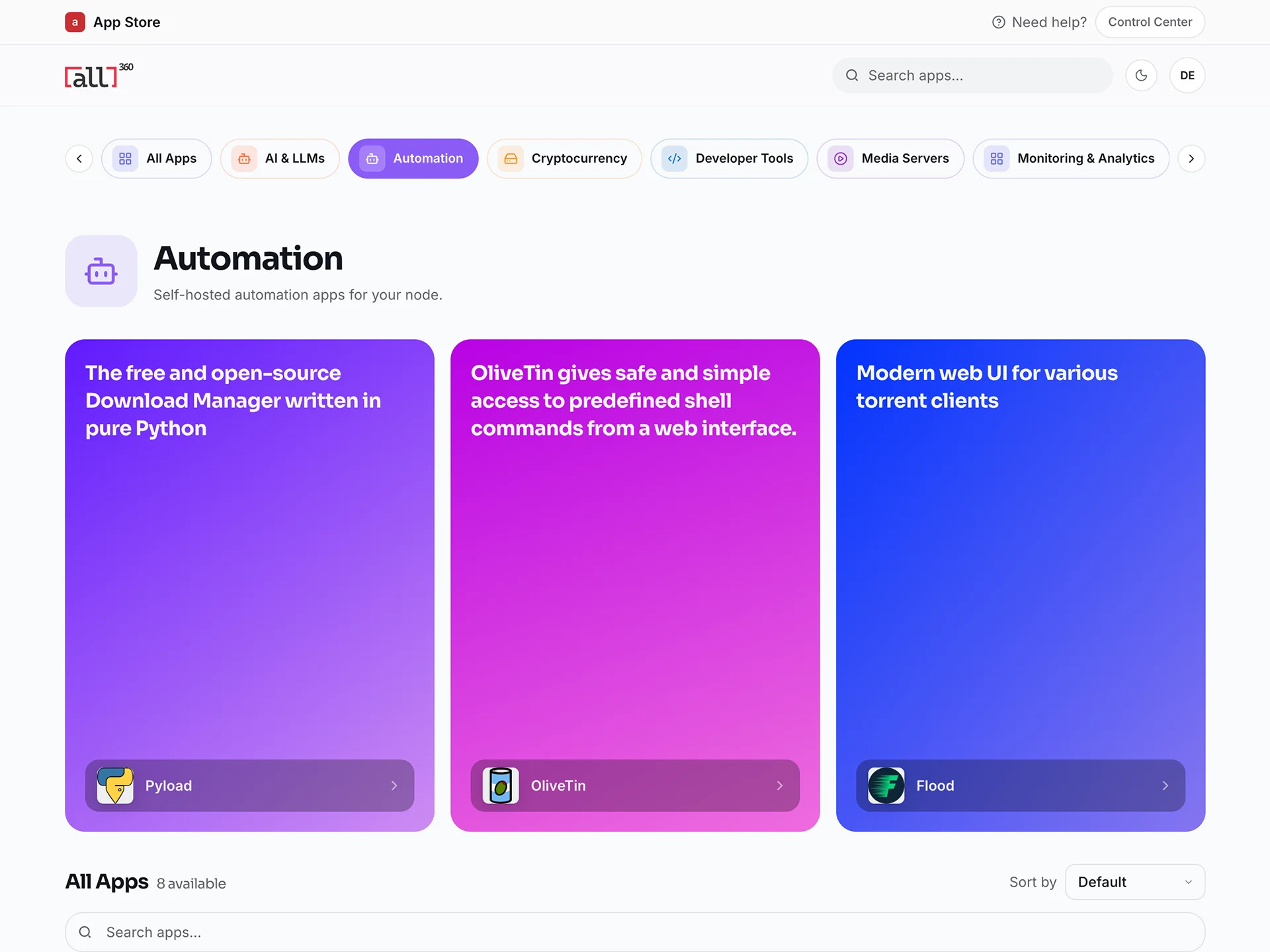
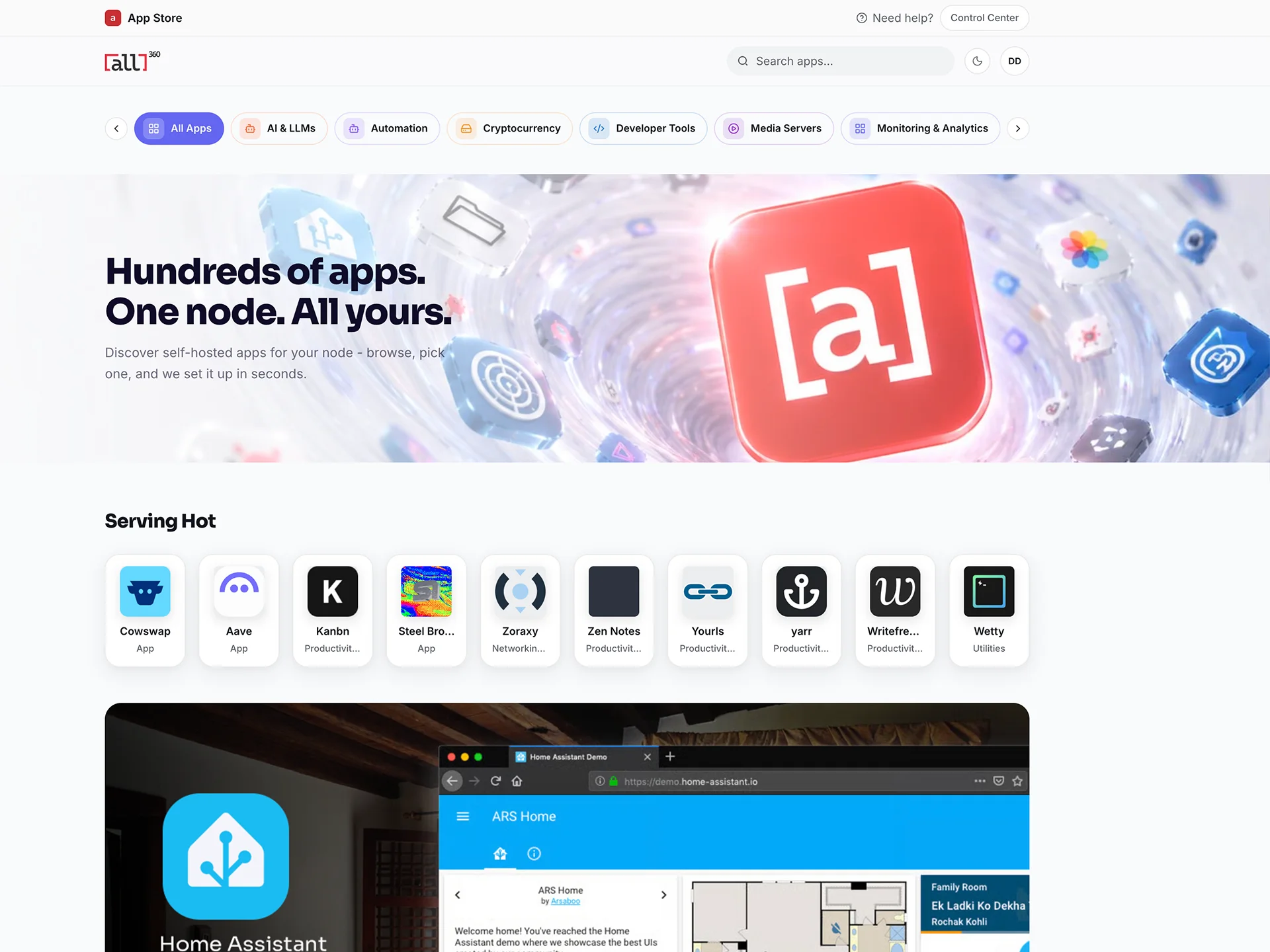
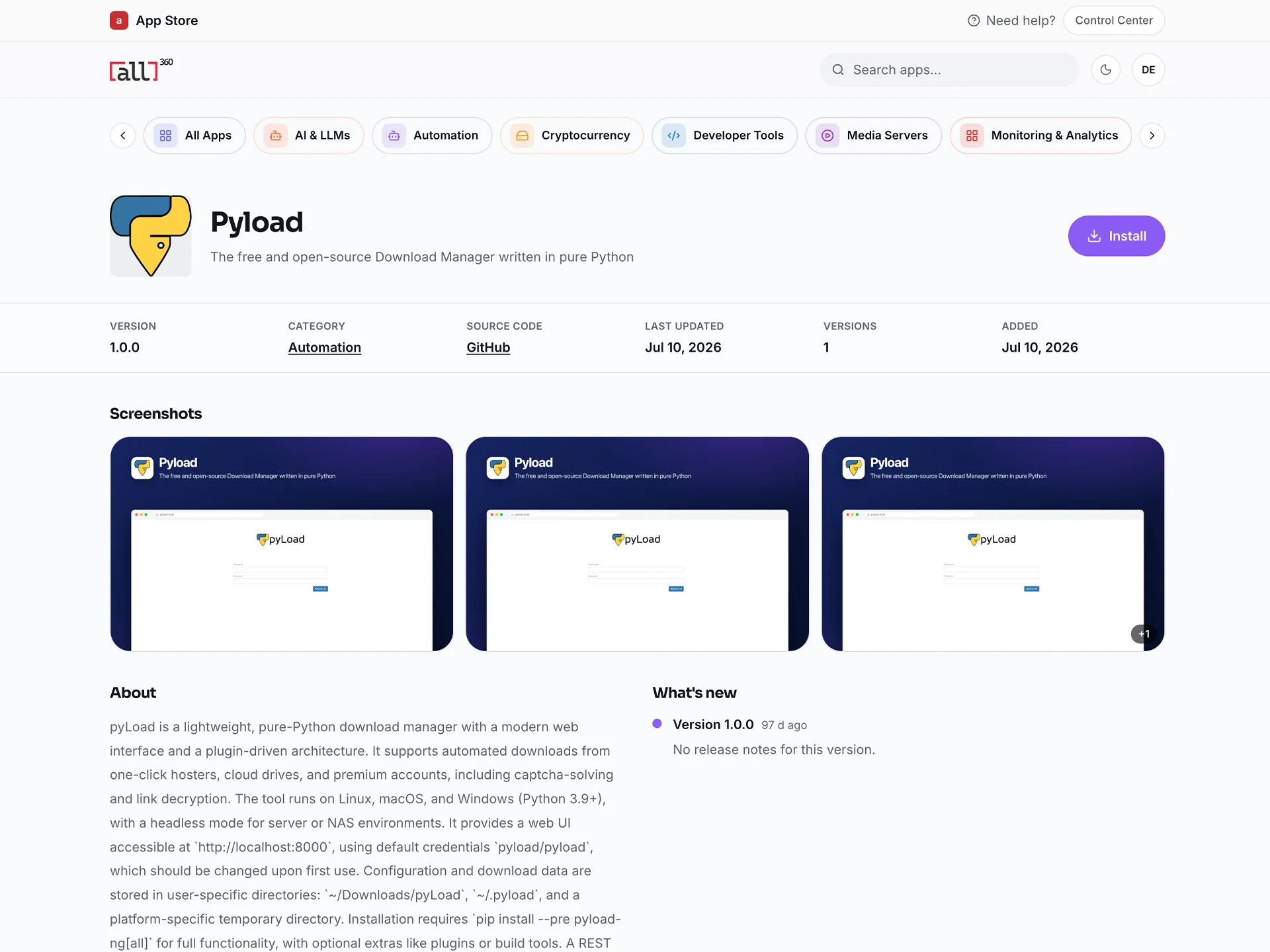
The store experience
The existing ALL OS App Store screens show the catalogue and app-detail experience. Available apps and requirements can change.
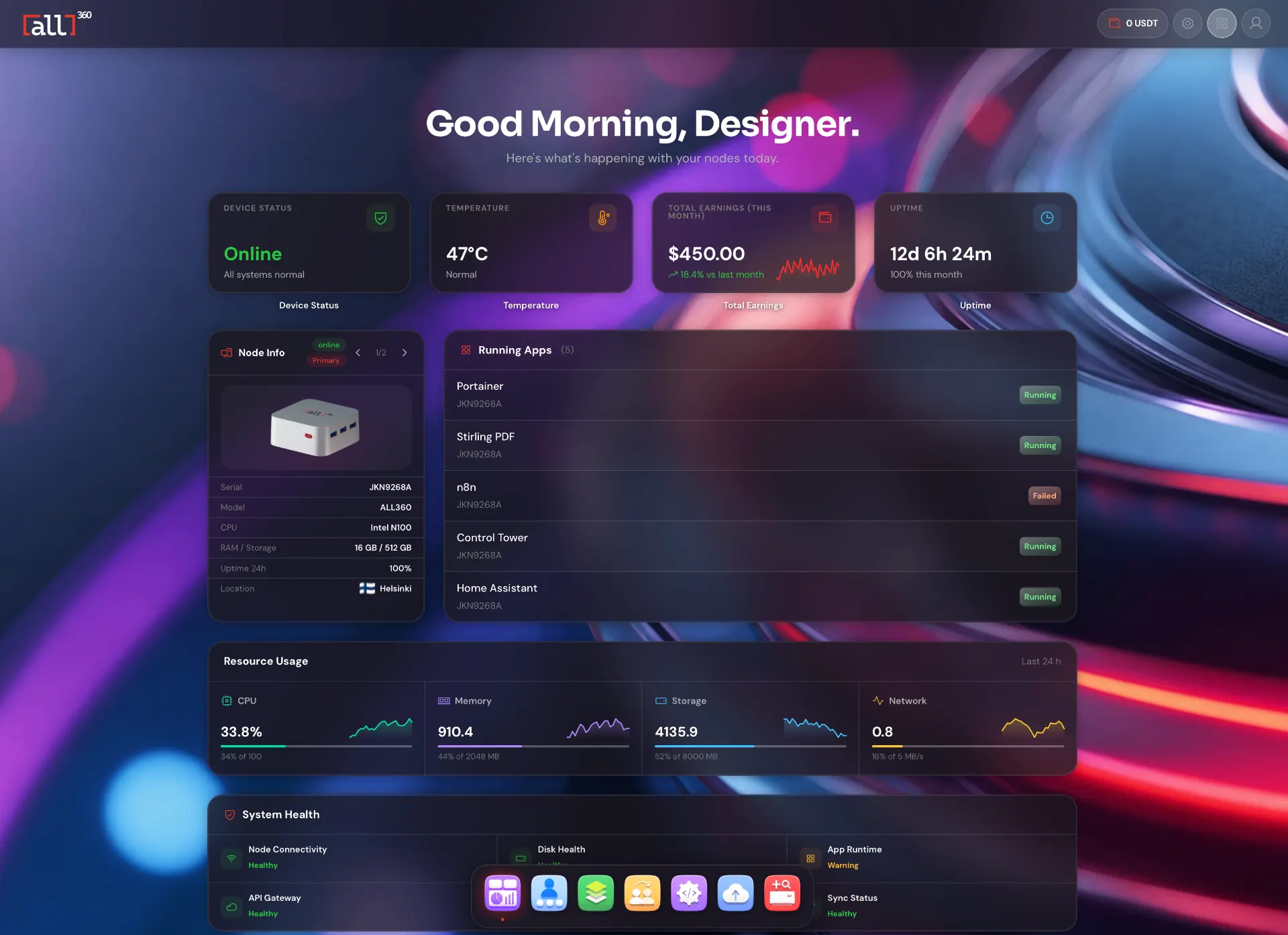
Explore categories from the console and find an app for your next project.
Review its requirements, settings and any third-party account or model costs.
Use the one-tap install and complete the app's own configuration.
Use ALL CONNECT when you want access away from your home network.
See before choosing
The screenshots above are the existing ALL OS App Store experience, not invented customer reviews. Compare your current tools with the ALL1 approach.
Read the trade-offs between self-hosted storage and a cloud subscription.
Read the comparisonStart with ALL1
ALL OS is ready on ALL1, with ALL CONNECT and a bundled set of partner services. The catalogue is not a guarantee that every app will fit every workload.
Bundled services, including VPN, Premium VPN, ad blocking, IoT integration and residential proxy traffic, are provided by external partners under their own terms.
Room to decide
The ALL1 device comes with a 30-day money-back guarantee and a 2-year hardware warranty, as stated in the device offer. Review the purchase terms before ordering.
Before you decide
App pricing, third-party accounts, model access and licence requirements depend on the app. Review the listing and terms before installing.
ALL1 can host AI apps and agents connected to your chosen models and can run lightweight models for simple tasks. It is not sold as a powerful offline language-model workstation.
ALL CONNECT provides remote access to your apps. Internet connectivity and the app's own configuration still matter.
App availability can change. Check the App Store for current listings and requirements.
Your next app
Explore the catalogue first. If ALL OS fits the way you want to run your services, the ALL1 offer is your next step.
ALL1 can also run approved network workloads when idle. Earnings depend on demand and may be zero. How hosting works
Explore what is available now, or register interest in what's on the roadmap.
Product and comparison information checked October 2026. App availability may change. Third-party names and trademarks belong to their respective owners; no affiliation or endorsement is implied.